

1、简介
Gui的核心技术:Swing AWT
- 因为界面不美观。
- 需要jre环境
为什么我们需要学习?
- 可以写出一些自己的小东西
- 工作的时候,也可能需要维护到Swing界面(概率极小)
- 了解mvc架构,了解监听
2、AWT
2.1Awt介绍
- 包含了很多类和接口!
- 元素:窗口、按钮、文本框
- java.Awt
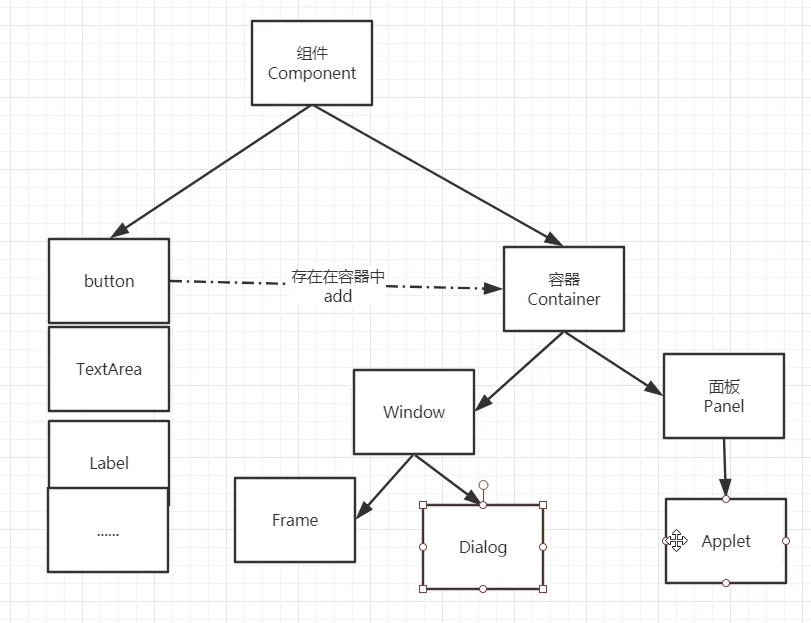
2.2组件和容器
2.2.1 Frame
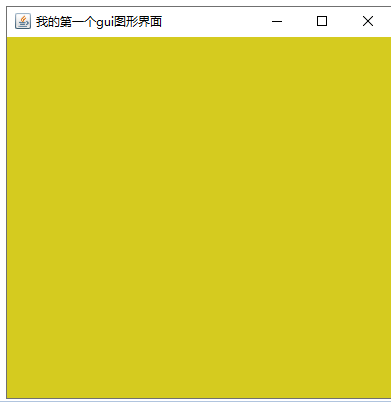
第一个gui图形界面窗口
public class GuiDemo01 {
    public static void main(String[] args) {

        //创建frame对象 并设置标题
        Frame frame = new Frame("我的第一个gui图形界面");
        //设置可见性
        frame.setVisible(true);
        //设置背景颜色
        frame.setBackground(new Color(213, 203, 31));
        //设置大小
        frame.setSize(400,400);
        //设置弹出的初始位置
        frame.setLocation(200,200);

    }

}
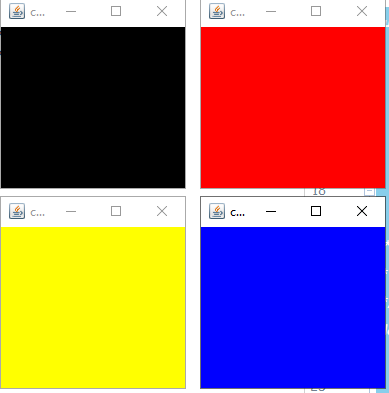
封装一下,可以开启多个窗口
public class GuiDemo02 {
    public static void main(String[] args) {
        MyFrame myFrame1 = new MyFrame("c1",200,200,Color.black,200,200);
        MyFrame myFrame2 = new MyFrame("c1",200,200,Color.red,400,200);
        MyFrame myFrame3= new MyFrame("c1",200,200,Color.yellow,200,400);
        MyFrame myFrame4 = new MyFrame("c1",200,200,Color.blue,400,400);
    }
}
/**
 *  继承Frame
 */
class MyFrame extends Frame{
    //窗口记数
    static int id = 0;

    public MyFrame(String title, int width,int height,Color color, int x,int y){
        super(title +(++id) );
        //设置可见性
        setVisible(true);
        //设置size
        //setSize(width,height);
        //设置初始位置
	// setLocation(x,y);
        setBounds(x,y,width,height);
        //设置背景颜射
        setBackground(color);

    }
}
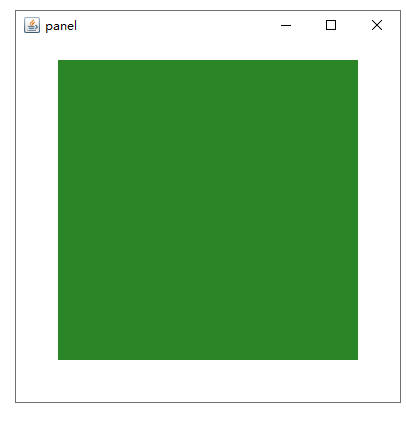
2.2.2 panel
/**
 * @author c
 * @Package com.qc.gui
 * @date 2021/1/5 19:29
 *
 * panel
 * panel 不能单独存在
 */
public class PanelDemo {
    public static void main(String[] args) {

        Frame frame = new Frame("panel");
        Panel panel = new Panel();

        //设置布局
        frame.setLayout(null);
        //设置初始化坐标和大小
        frame.setBounds(200,200,400,400);

        panel.setBounds(50,50,300,300);
        panel.setBackground(new Color(56, 179, 52, 190));
        frame.add(panel);
        //设置可见性
        frame.setVisible(true);

        //监听事件  监听窗口关闭
        //适配器模式
        frame.addWindowListener(new WindowAdapter() {
            @Override
            public void windowClosing(WindowEvent e) {
                //结束程序
                System.exit(0);
            }
        });

    }
}
2.2.3 布局管理器
- 流式布局
- 东南西北中
- 表格布局